Aesthetic Digital Planner | Daily, Weekly & Monthly Planner
Stay beautifully organized with a cute kawaii digital planner that makes productivity feel like self-care. Daily schedules, weekly reviews, monthly goals, and habit tracking—all in one stunning system.
Start Planning Today
Preview Your Planner
✨ Today’s Schedule
Today’s Top 3 Priorities
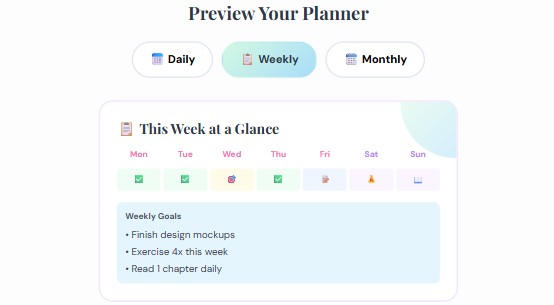
📋 This Week at a Glance
Weekly Goals
🗓️ June Overview
Monthly Milestones
What Is an Aesthetic Digital Planner?
Remember the last time you bought a gorgeous paper planner, used it religiously for two weeks, then forgot it existed somewhere under a pile of textbooks? Yeah, me too. That’s exactly why digital planners changed everything for me—and honestly, for millions of people who love the idea of planning but struggle with the follow-through.
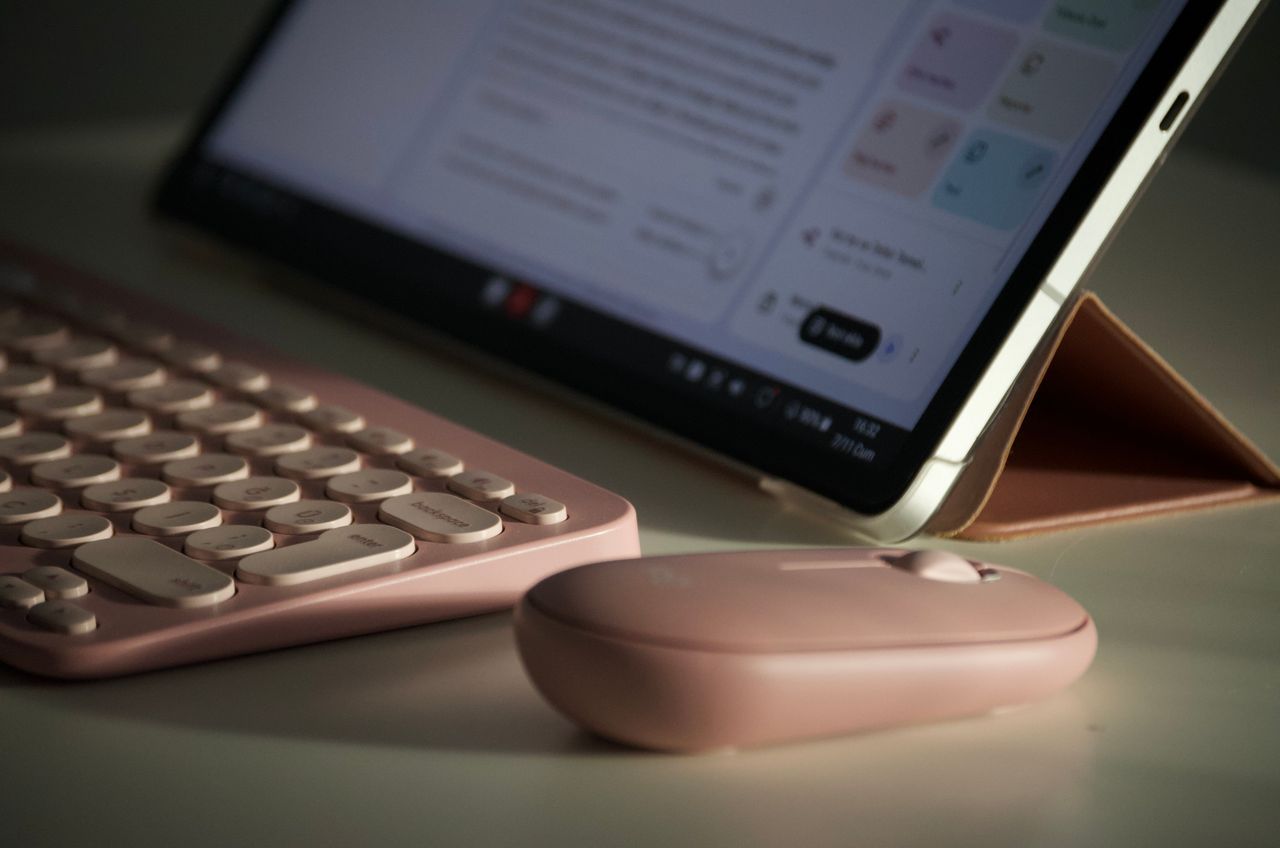
An aesthetic digital planner is essentially a beautifully designed PDF or app-based planning system you use on your tablet, laptop, or phone. But here’s what makes it different from a boring spreadsheet: it’s designed to spark joy. Think soft pastel colors, kawaii illustrations, intuitive layouts, and the satisfying feeling of tapping a checkbox.
The kawaii planning style specifically brings a sense of playfulness to organization. It transforms something that can feel like a chore—planning your week, tracking habits, setting goals—into something you actually look forward to opening each morning.
Compared to paper planners, digital versions offer some genuinely practical advantages. You never run out of pages. Made a mistake? Undo it instantly. Want to rearrange your schedule? Drag and drop. Need your planner on multiple devices? Cloud sync.
Daily Planner: Master Your 24 Hours
Here’s something I learned the hard way: a productive day doesn’t start when your alarm goes off. It starts the night before, when you spend five minutes with your daily planner mapping out what actually matters.
Time blocking has been a game-changer for me personally. Instead of writing a vague to-do list and hoping for the best, I assign specific time slots to specific tasks. Deep work from 9-11am. Emails from 11-11:30. Creative projects after lunch.
But what really elevates a daily planning practice is the reflection component. At the end of each day, you jot down what went well, what didn’t, and what you’d adjust tomorrow.
The focus session tracker is particularly useful for students and creatives. Rather than working in unfocused marathons, you break your day into concentrated sprints.
Weekly Planner: See the Bigger Picture
If daily planning is about tactics, weekly planning is about strategy. It’s where you zoom out, look at the bigger picture, and ask yourself: “Am I spending my time on things that actually move the needle?”
Every Sunday evening, the weekly spread gives you space to review what happened last week and intentionally design the week ahead. Which projects need attention? What deadlines are approaching?
One thing I’ve noticed with people who struggle with consistency: they skip the weekly review. They jump straight into Monday without a plan.
For habit consistency specifically, the weekly view is invaluable. You can see at a glance whether you’ve been hitting your targets or slowly slipping.
Monthly Planner: Where Dreams Meet Deadlines
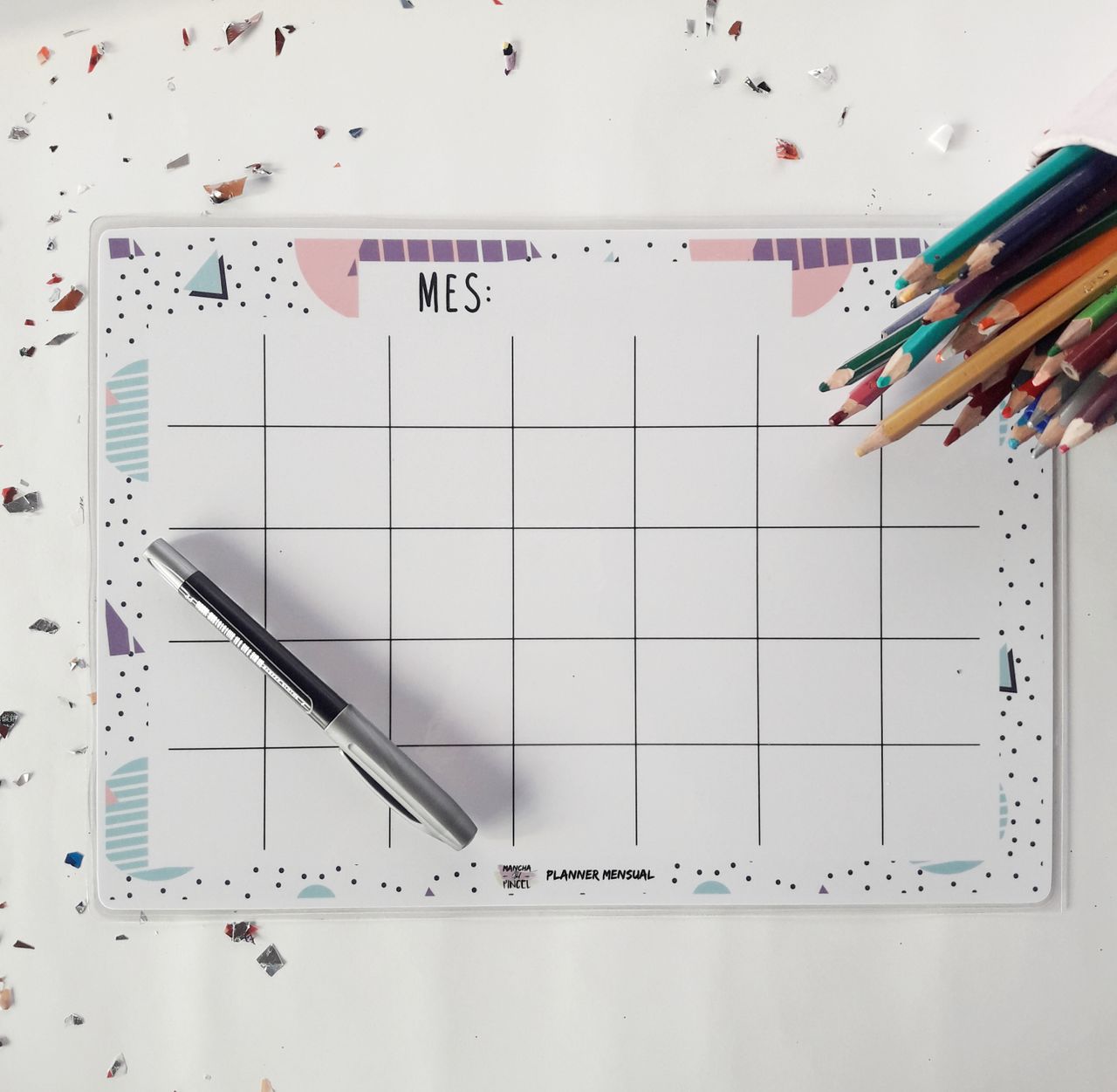
Monthly planning is where your dreams meet deadlines. It’s where those big, slightly scary goals get broken down into something manageable.
Think of it this way: if your yearly goal is to write a book, your monthly goal might be “complete chapters 4 and 5.” The monthly planner is where abstract aspirations become concrete commitments.
What I love about the monthly overview is how it handles milestones. You can mark key dates, track progress toward monthly targets, and see at a glance how your month is shaping up.
The end-of-month reflection is perhaps even more valuable than the planning itself. You review what you accomplished, celebrate wins, identify obstacles, and carry forward anything that didn’t get done.
Habit Tracker: Build the Life You Want, One Day at a Time
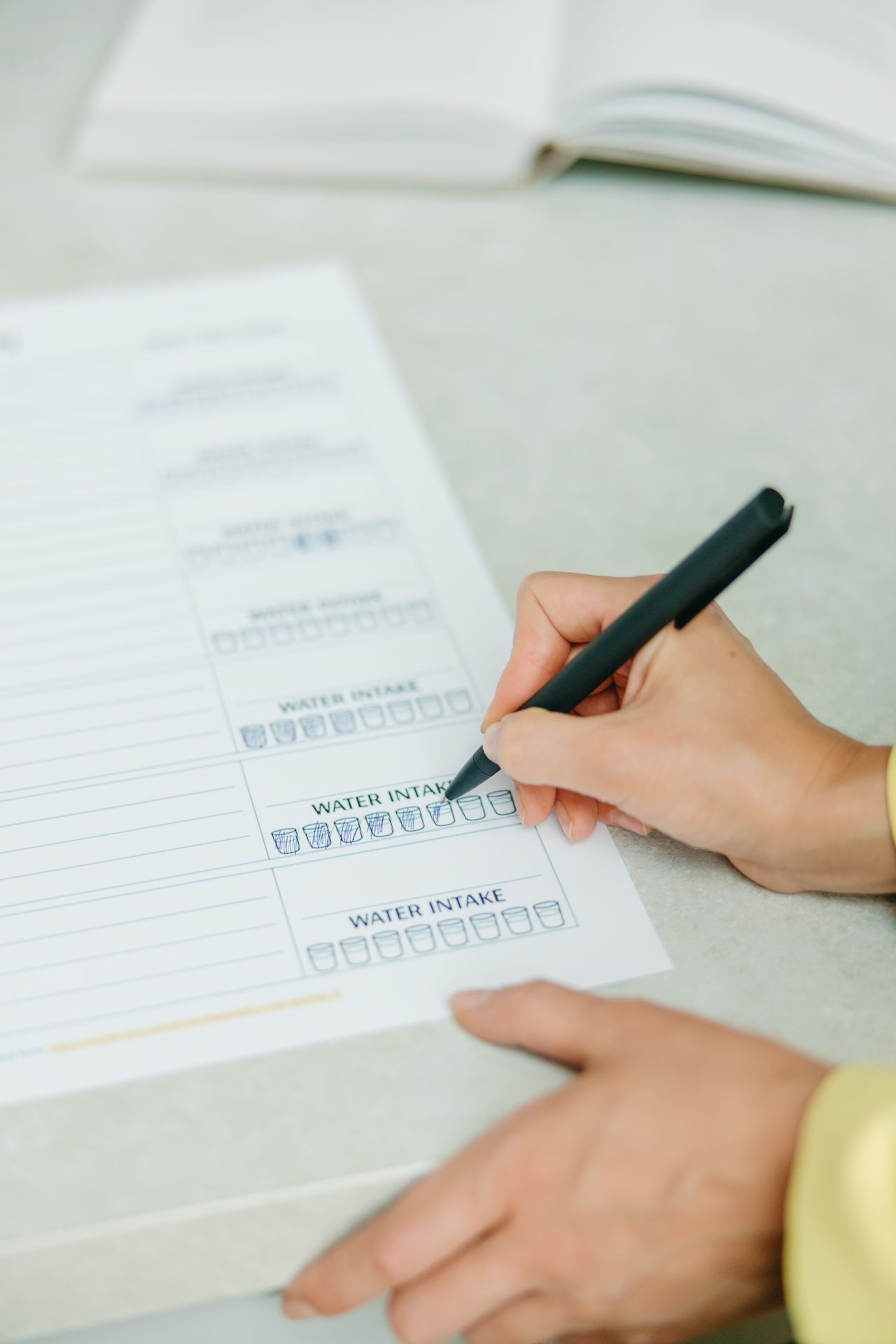
Let me tell you something about habits that most productivity content gets wrong: it’s not about motivation. Motivation is fickle. What actually works is systems, tracking, and visual accountability.
The habit tracker uses a concept called “habit stacking”—attaching new behaviors to existing routines. You already brush your teeth every morning, right? Stack a 2-minute meditation immediately after.
But the real magic happens when you can see your progress over time. There’s a reason Jerry Seinfeld’s “don’t break the chain” method works so well.
The accountability aspect is crucial too. When your habits live invisibly in your head, skipping one feels inconsequential. But when it’s right there on your planner page—a glaring empty checkbox—it creates gentle but effective pressure.
Goal Setting: From Vision to Reality
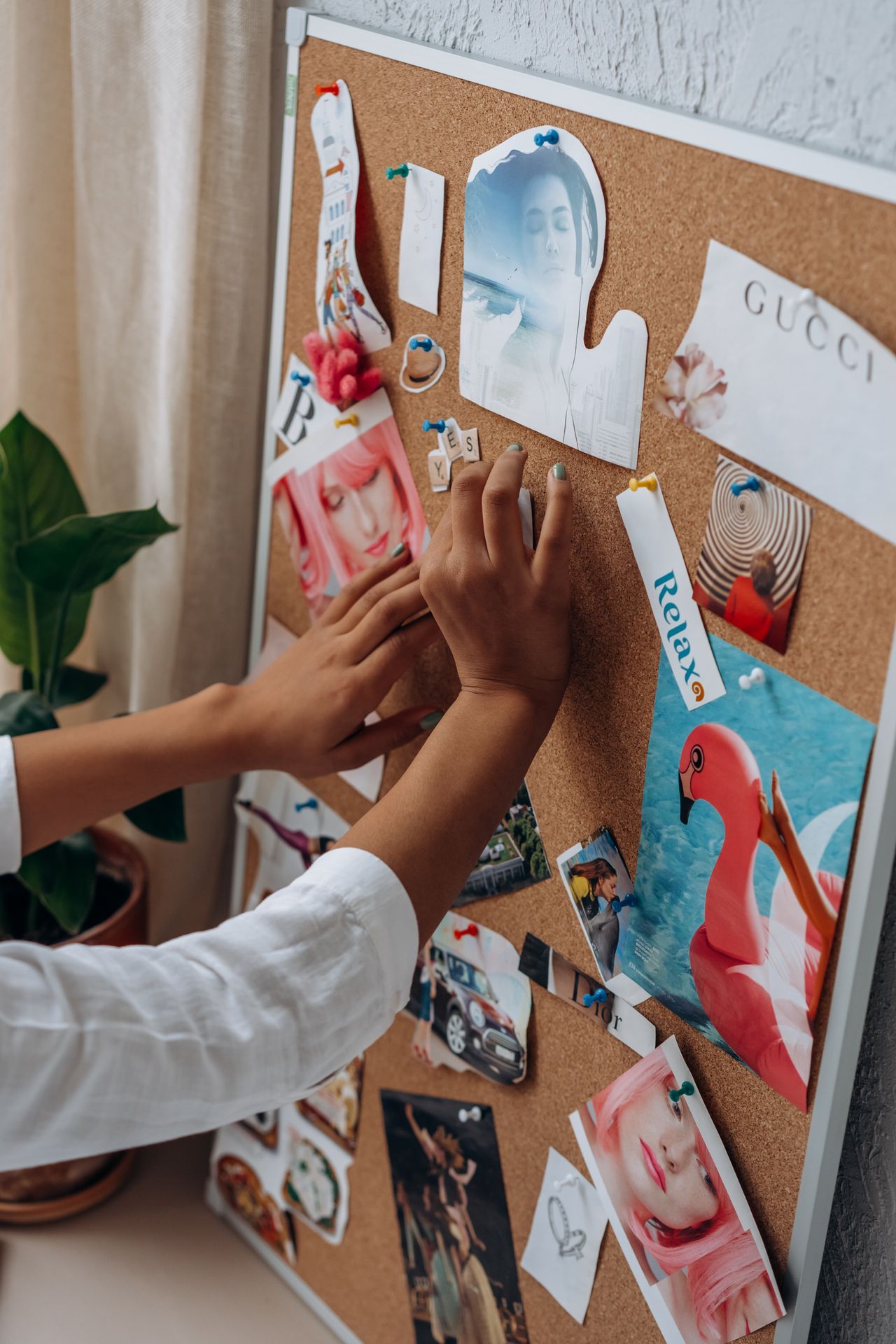
Goals without a system are just wishes. The goal-setting pages use a layered approach. You start with your vision—the big, inspiring picture. Then you break that into quarterly themes, monthly milestones, and weekly action steps.
What makes this work when other goal-setting approaches fail? Visibility and regular review. Your goals aren’t buried in a note you wrote on January 1st—they’re integrated into your daily planning routine.
For Students: Survive and Thrive Academically
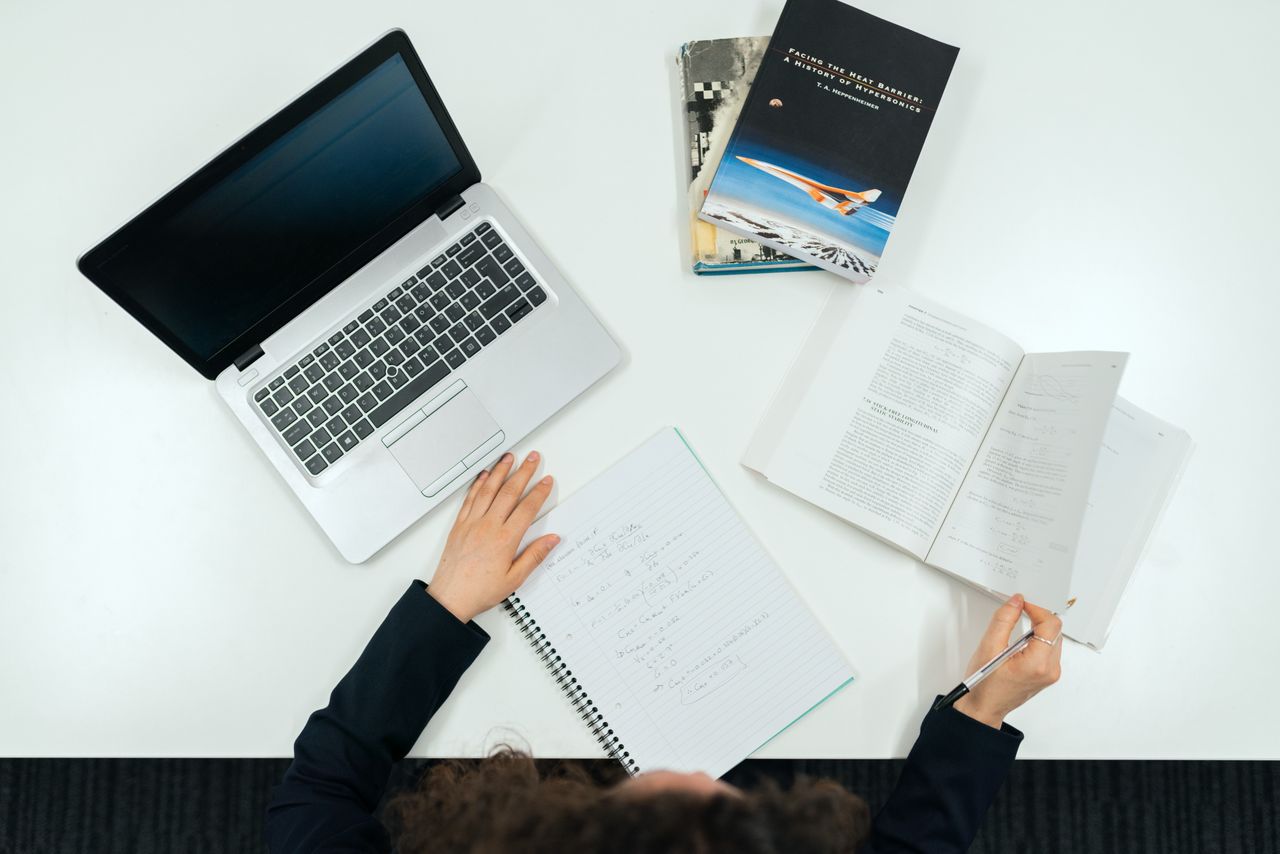
If you’re a student juggling multiple courses, assignments, part-time work, and somehow trying to maintain a social life—this planner might genuinely save your sanity.
The daily planner helps you allocate study blocks across subjects. The weekly view lets you see assignment deadlines approaching. And the monthly overview? That’s where you plot out exam periods and project due dates.
For Professionals: Your Personal Command Center
For professionals, the challenge isn’t usually a lack of tools—it’s tool overload. A digital planner serves as your personal command center—the one place where everything important lives.
The beauty of using an aesthetic planner for work is that it feels personal. It’s yours. That ownership makes a real difference in how consistently you use it.
Your Productivity Score Calculator
10 Ways to Get More From Your Digital Planner
Learn More on YouTube
Professor Predicts
Productivity insights, digital planning tutorials, and mindset tips to help you level up your life.
Visit Channel →Explore More
Master creative problem-solving
120 Mind-Blowing AI ToolsSupercharge your workflow
100 Best AI ToolsCurated for productivity
The Law of IntentPurpose-driven living
The Law of ConditioningBuild lasting habits
The Law of PatienceTrust the process
The Law of CourageTake bold action
The Law of FlexibilityAdapt and thrive
Is It 2027 Next Year?Future planning insights
What Happens After I Die?Deep life reflections
Frequently Asked Questions
What is an aesthetic digital planner?
An aesthetic digital planner is a beautifully designed planning tool used on tablets or computers that combines functionality with cute visual elements like kawaii illustrations, pastel colors, and decorative stickers.
Can I use a digital planner on my iPad?
Yes! Digital planners work beautifully on iPads with apps like GoodNotes or Notability, allowing you to write naturally with an Apple Pencil.
How does a habit tracker improve productivity?
Habit trackers create visual accountability by showing your streaks and progress, making it easier to maintain consistency.
What’s the difference between daily and weekly planning?
Daily planning focuses on time-blocking specific tasks for one day, while weekly planning gives you a broader strategic view across the entire week.
Are digital planners better than paper planners?
Digital planners offer unlimited pages, easy corrections, cloud backup, and template duplication. Many people use both depending on their needs.
How do I start goal setting with a digital planner?
Start by defining 3-5 major goals, then break them into monthly milestones and weekly action steps.
What makes a kawaii planner different?
Kawaii planners incorporate cute Japanese-inspired design elements that make planning feel like a creative, enjoyable activity.
Can students benefit from digital planners?
Absolutely! Students can track assignments, manage study schedules, and organize extracurricular activities all in one place.
How often should I review my monthly planner?
Review at least once a week during your weekly planning session, plus a thorough end-of-month review.
Is digital journaling the same as digital planning?
They overlap but differ in focus. Journaling emphasizes reflection and expression, while planning focuses on scheduling and task management.
Share the Productivity Love
Just discovered the cutest kawaii digital planner! Daily, weekly & monthly spreads + habit tracking. My productivity has never looked this adorable 🌸✨
this aesthetic digital planner is genuinely changing how I organize my days. kawaii design + actually functional? yes please 🎀📱
obsessed with my new digital planner setup ✨ pastel kawaii vibes meet serious productivity #digitalplanner #kawaii
POV: you finally find a digital planner that’s both cute AND functional 🥹✨ #planwithme #digitalplanning #aesthetic
Aesthetic Kawaii Digital Planner | Daily Weekly Monthly Planning | Habit Tracker | Goal Setting | Cute Pastel Productivity System

Share this:

More for your journey.

How to Prepare for 2026: A Practical Timeline for Career, Money, AI, Health, and Personal Growth
2026 is closer than it feels. This practical guide helps you prepare your career, finances, health, skills, and mindset with a simple timeline and an interactive…
Read story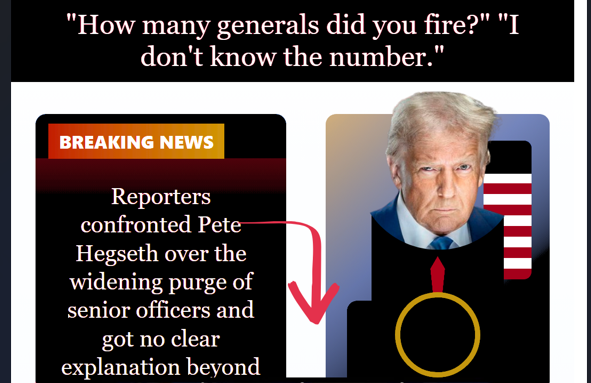
How Many Generals Did Trump Fire? The Complete Timeline
How Many Generals Did Trump Fire? Full Timeline & 2026 Analysis March 26, 2026 · 12 min read · Military & Politics How Many Generals Did…
Read story
A new COVID variant nicknamed “Cicada” is being tracked in U.S. states
New COVID Variant "Cicada" Tracked in 25+ U.S. States – What You Need to Know Public Health Update March 26, 2026 · 9 min read A…
Read story